

Image generation
Z-Image-Turbo
A distilled diffusion model for local text-to-image generation. Validation covers multi-resolution latency, stability across consecutive requests, photorealistic imagery, and Chinese and English text rendering.
01 / Model parameters
Model architecture & capabilities
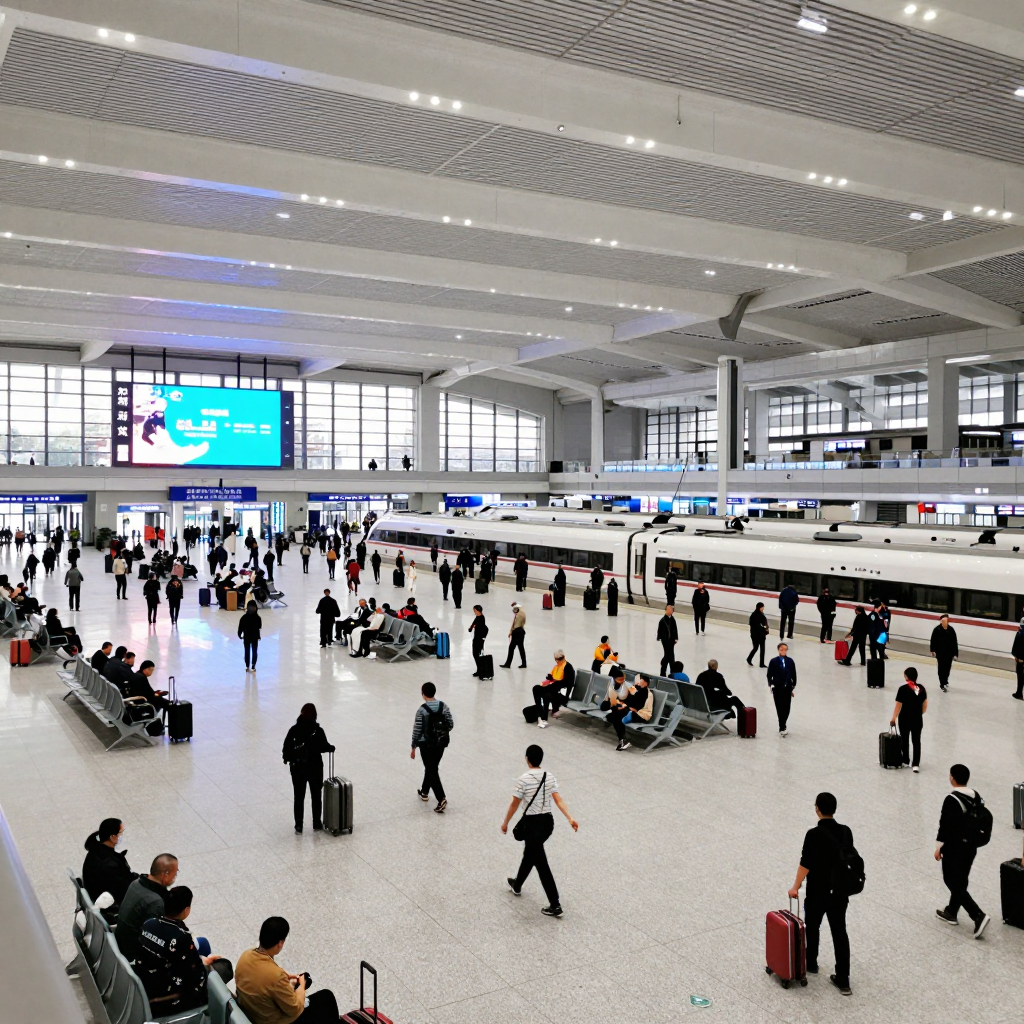
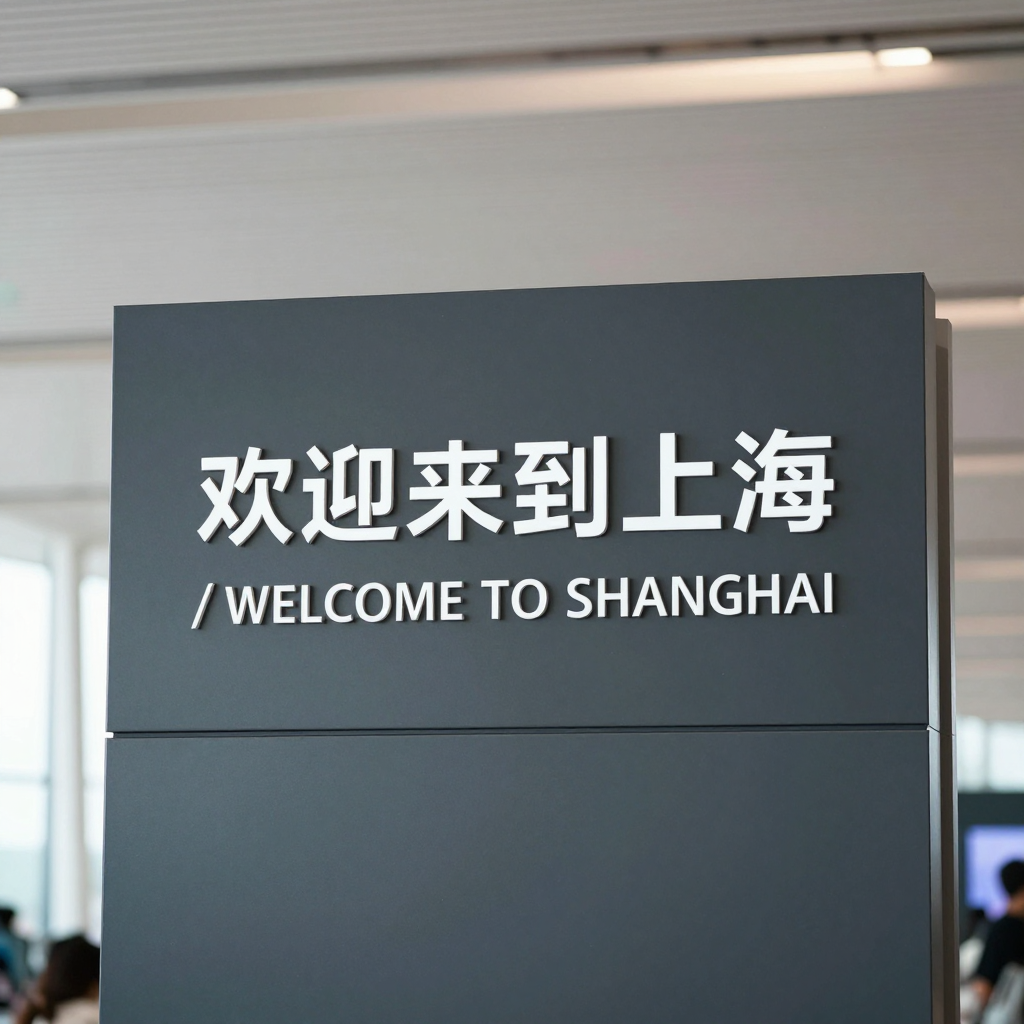
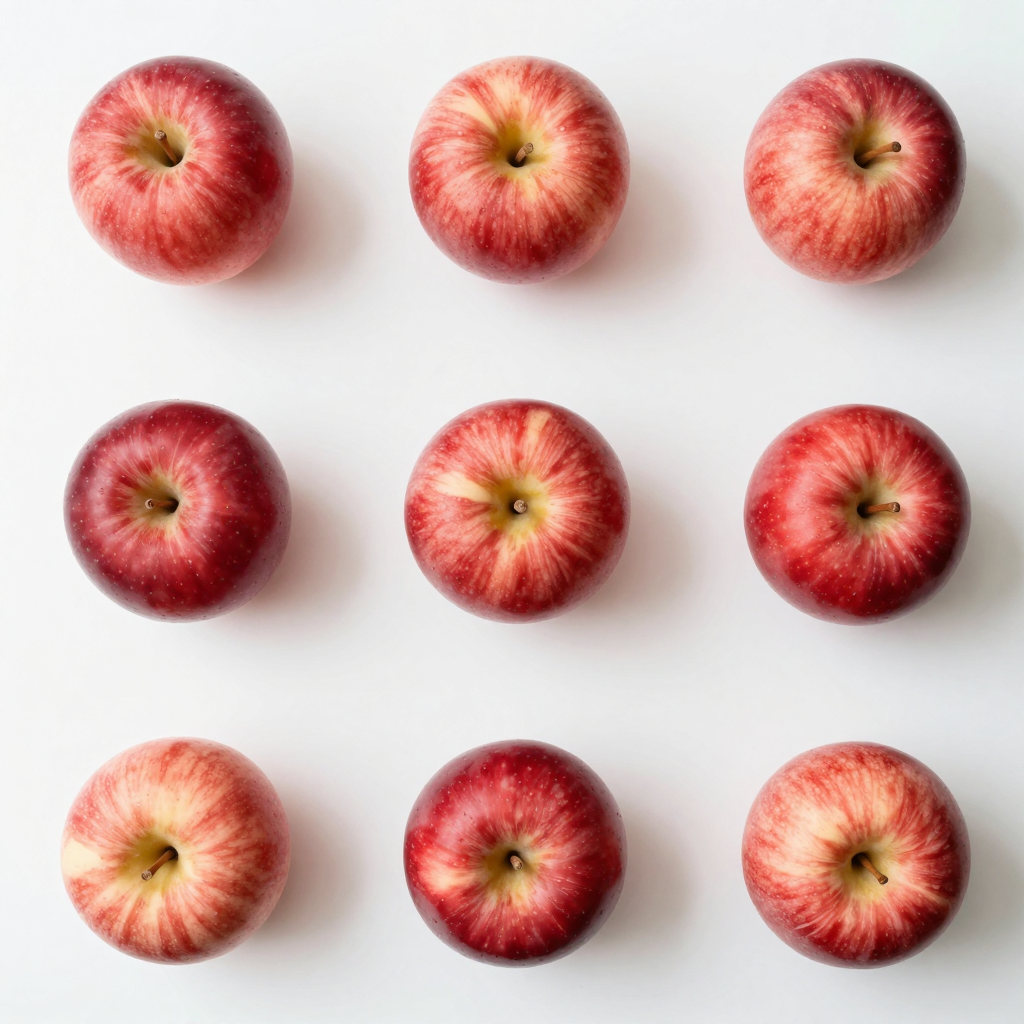
Z-Image-Turbo is Tongyi's distilled text-to-image model. It uses a single-stream diffusion Transformer for few-step image generation, photorealistic imagery, and Chinese and English text rendering. This page pairs MegaCube generation times across resolutions with fixed-prompt samples to assess performance and image quality.
- Photorealistic imagery and product concepts
- Posters with short Chinese and English text
- Illustrations and content imagery
- Publisher / model
- Tongyi · Tongyi-MAI/Z-Image-Turbo
- Parameter count / architecture
- 6B diffusion backbone; Single-Stream DiT; text encoding and other components counted separately
- Input / output
- Text description input; still image output
- Generation steps
- Approx. 8 network evaluations for the distilled model; this Diffusers configuration uses num_inference_steps=9
- Precision / files used here
- BF16; approx. 32.90 GB including all components, 7 large weight shards
- Pinned weight revision
- f332072aa78be7aecdf3ee76d5c247082da564a6
- License
- Apache-2.0
The Turbo version generates images from text. Exact counting and longer text may contain errors; evaluate the samples and test conditions below.
Model information checked on 2026-09-20
02 / Deployment
MegaCube deployment configuration
- Compute devices
- 1 × MegaCube · NVIDIA GB10 · 128 GB
- Inference framework
- Diffusers 0.40.0 · ARM64 container
- Sampling
- BF16 · 9 Steps
- Execution method
- Serial GPU generation; concurrent requests are queued
- Image output
- Tested here from 512×512 to 1280×1280
Download the pinned weights
Use the specified Tongyi-MAI/Z-Image-Turbo revision and retain all model files.
Verify the files
Verify the exact byte counts of the 7 large weight shards and the model revision.
Start the container service
Use an ARM64 inference environment with Diffusers 0.40.0, BF16, and 9 sampling steps.
Validate generation
Complete health checks and real image generation, then test resolutions and queuing as needed.
Find and download this model in the PINVOU Model Store, then follow its model card to deploy and enable the service.
Manage models in PINVOU →03 / Performance tests
MegaCube performance test results
2026-09-11; one GB10; BF16, 9 steps. The full matrix contains 100 requests. Generation time is measured on the server; end-to-end time also includes request handling, PNG encoding, and transfer of the result.
| Resolution | Runs | Success | Mean generation time | P95 | Mean end-to-end time |
|---|---|---|---|---|---|
| 512×512 | 10 | 100% | 2.745s | 2.753s | 2.809s |
| 768×768 | 10 | 100% | 6.933s | 6.948s | 7.086s |
| 768×1024 | 5 | 100% | 9.092s | 9.098s | 9.303s |
| 1024×768 | 5 | 100% | 9.097s | 9.109s | 9.300s |
| 1024×1024 | 10 | 100% | 12.179s | 12.189s | 12.458s |
| 1280×1280 | 3 | 100% | 19.491s | 19.621s | 19.935s |
- The current service generates serially; concurrent requests do not increase total throughput.
- Of 20 manual checks with fixed seeds, 16 fully met requirements, 2 partially met them, and 2 did not; exact counting and longer English text still show errors.



Plan model deployment and application integration
Evaluate device configurations and inference services for your model size, workloads, and concurrency needs.