Requirements & Selection

Solutions & Configurations

Start with your target model, context length and number of concurrent users. Check whether a single device is sufficient, then consider model replicas or model parallelism across devices.

Configurations are based on validation of specific models and tasks. View validated configurations →

A desktop workspace using MegaCube for prototyping A development workspace using MegaCube for model fine-tuning A laboratory using MegaCube for scientific computing A medical imaging workflow using MegaCube for multimodal inference A data center using MegaCube for edge deployment
01 / 05

01 / Use-Case Solutions

Choose by model size and concurrency needs

View single-device model configurations →
Start with capacity and concurrency

Can the model fit, and can it handle the workload?

A model’s memory requirements determine whether it needs multiple devices. Concurrency targets determine whether you need more model replicas. Each calls for a different way to scale.

Single-Device Capacity Reference≤ 200BCapacity limit with low-precision quantization; actual capacity depends on the model, context length and measured results
Product capability details ↗
The model fits and concurrency targets are met1 Cube1 full model instanceSee single-device configurations ↓
01
The model fits, but concurrency is insufficient

Inference with Model Replicas

User requestsLoad balancing
Cube 1Model replicaCube 2Model replica+ N

Each Cube runs a complete replica of the same model. A load balancer distributes requests to increase concurrency and aggregate throughput.

Discuss concurrency solutions →
02
The model exceeds a single device's resources

Multi-Device Model Parallelism

One model instance
Cube 1Cube 2Cube 3Cube N
High-Speed Interconnect

Model parallelism distributes one model across multiple Cubes. High-speed networking connects the nodes so they can host a model that is too large for a single device.

See multi-device configurations ↓
Two Practical Examples

Scale from validated single-device and cluster baselines

First confirm that the model runs, then choose how to scale based on concurrency, aggregate throughput and latency targets.

Example 01 · The Model Fits

Qwen3.6-35B handles 8 concurrent requests on one device. How do you serve more?

Current baseline
1 MegaCube device
8 concurrent requests

One full model instance on a single device

Add independent model replicas
RequestsLoad balancing
Cube 1Qwen3.6-35BCube 2Qwen3.6-35B+ NScale further

Start with an estimate of 8 concurrent requests per device, then confirm through load testing with the same model, context and request size.

Recommended ConfigurationN Cubes = N independent replicas

Add Cubes running identical model replicas and configure load balancing. For a target of around 16 concurrent requests, start by evaluating 2 devices, then adjust based on load testing.

Assess concurrency options →
Example 02 · The Model Exceeds Single-Device Capacity

DeepSeek-V4.1-Flash runs on 4 devices. How do you increase concurrency and aggregate throughput?

Current baseline
4 devices per group
1 model instance

Model parallelism addresses capacity

Replicate model instances in groups of 4 devices
RequestsLoad balancing
Model replica A
1234
4-device model parallelism
Add 4 more devices
Model replica B
5678
Additional model replica

The first 4 devices provide enough capacity to run the model. To increase aggregate throughput, add a second or third group of 4 devices, with each group running its own replica. Distribute requests between groups using load balancing.

Recommended ConfigurationScale throughput in groups of 4

Each group of 4 devices jointly hosts one model instance, rather than four independent services. To serve more concurrent requests, replicate the entire group with the required high-speed networking and load balancing.

Discuss cluster expansion →

Final device counts depend on model compatibility and load tests covering context length, concurrent users, time to first token and aggregate throughput. Model parallelism across devices also requires suitable high-speed interconnects such as 200GbE / RoCEv2.

02 / Configuration Lists

Devices & Recommended Accessories

GB10 · 128 GB unified system memory per device
Choose 1 / 2 / 4 TB of storage to suit your models.

Multi-node distributed inference

Multi-Device Cluster

Cube 1Cube 2Cube 3Cube 4MegaCube × N

Recommended Accessories

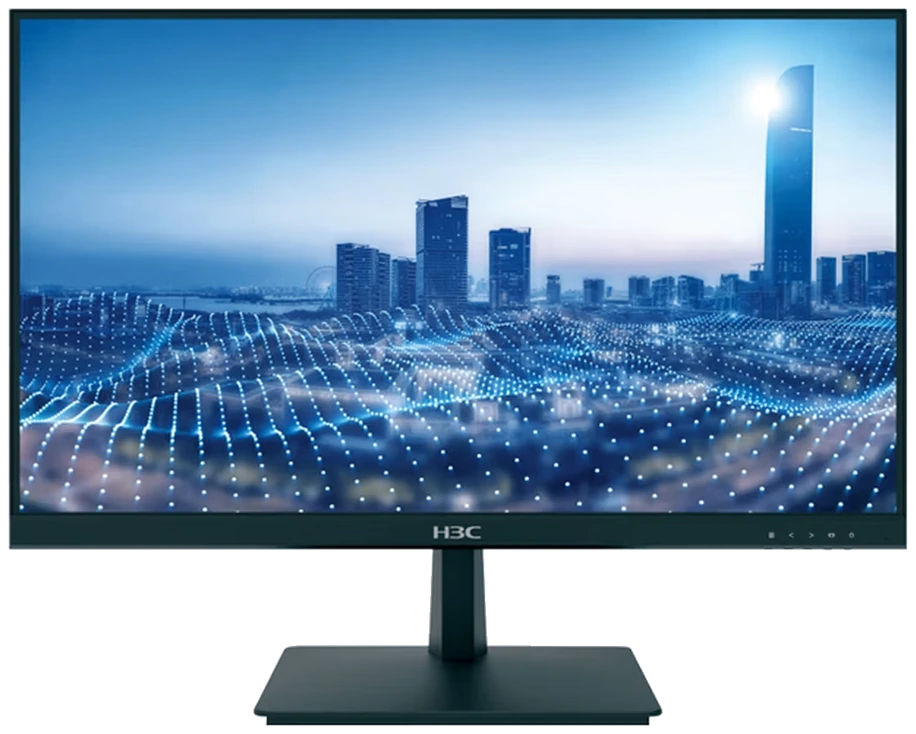
  • MonitorMonitor1 unit
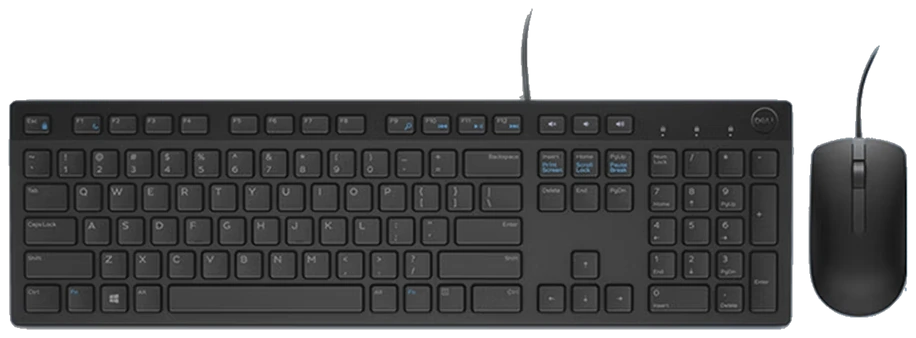
  • Keyboard & MouseKeyboard & Mouse1 set
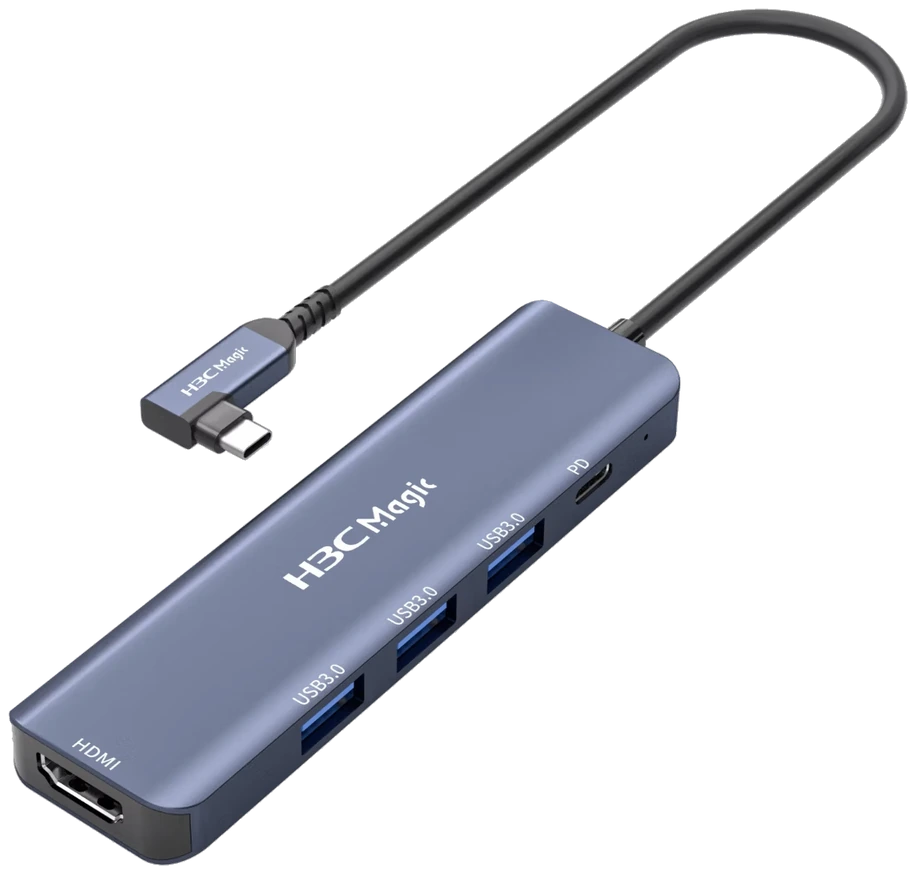
  • Type-C DockDock1 unit
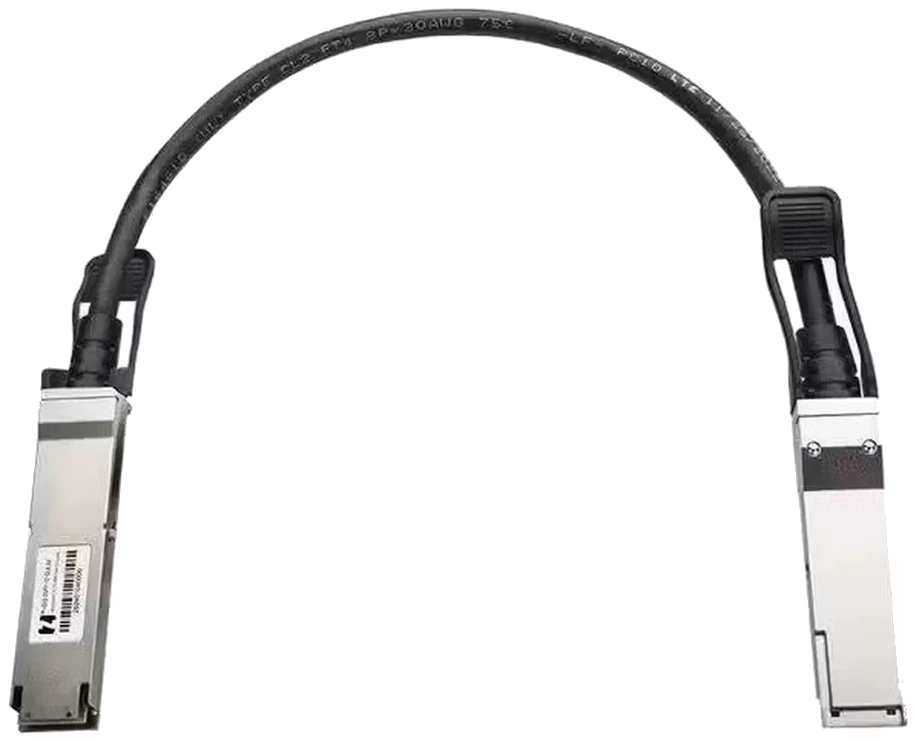
  • QSFP56-DAC cableDAC cableN cables
  • Switch1 unit

N devices with N QSFP56-DAC cables;
the switch must provide at least N compatible 200G ports.

Accessories may be reused or selected separately. Two-device and multi-device lists assume one shared set of peripherals. DAC cables and a 200G switch support multi-device model parallelism; final accessories are subject to the agreed solution.

03 / Get a Solution

Define your deployment requirements

Use your application tasks and performance targets
to assess model, device and network configurations.

01

Tasks & Models

Target applications, model versions, input types and context length.

02

Concurrency & Latency

Concurrent users, request size, time to first token and aggregate throughput targets.

03

Data & Networking

Data storage locations, restrictions on internal and external network access, and existing network equipment.

04

Budget & Schedule

Budget range, deployment timeline and acceptance criteria.

Get a deployment plan and quotation

Confirm models, device counts, recommended accessories and required services in one plan.